Data Conversion Tools: A 2026 Guide for Analysts and Developers
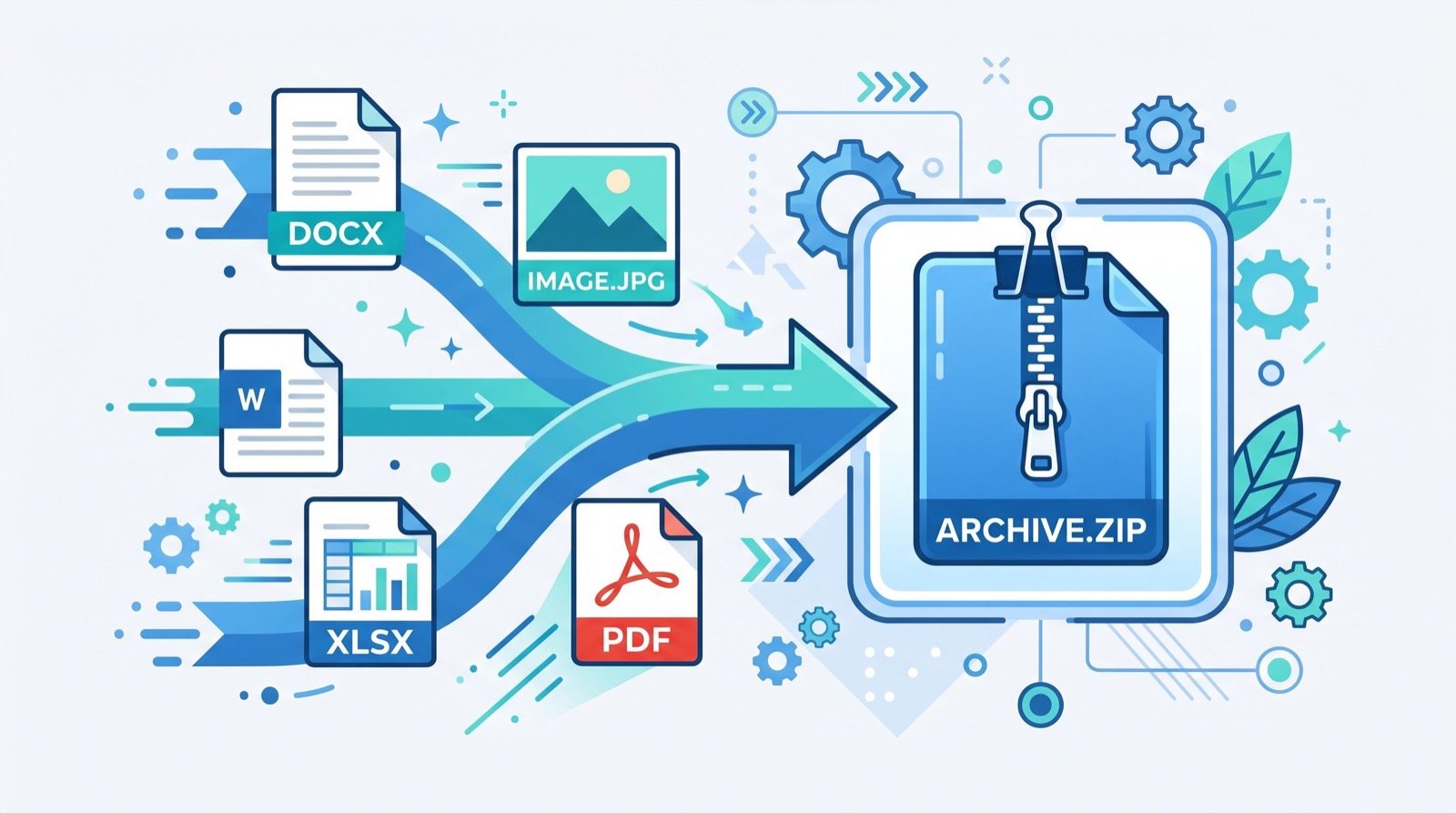
Every data project eventually hits the same wall: the information you have is in the wrong format for the system you need to feed. That is where data conversion tools quietly become the most-used items in your kit. Analysts, developers, and operations teams spend a surprising share of their week reshaping files, and the right browser utilities turn those tedious chores into a few clicks. This 2026 guide covers the conversions that matter most and how to run them cleanly.
Clean data is portable data. A spreadsheet that opens perfectly on your machine can choke an import script, and an API payload that looks tidy can be unreadable to a finance team. Bridging those gaps without writing throwaway code is exactly what modern online converters are built to do.
The Formats You Will Convert Most Often
Most day-to-day data work revolves around a handful of formats. Developers live in JSON, analysts live in CSV and spreadsheets, and logs arrive as raw timestamps that mean nothing until they are humanised. Knowing which converter to reach for saves real time.
One of the most common tasks is moving structured API output into something a spreadsheet can read. Being able to convert JSON to CSV in seconds lets you hand a developer’s export straight to a business analyst without a single line of glue code. Flatten the nested keys, map them to columns, and the data is instantly usable in Excel or Google Sheets.
Why JSON and CSV Dominate
JSON is the lingua franca of web APIs because it nests cleanly and travels light. The format is formally defined in IETF RFC 8259, which is why nearly every platform speaks it. CSV, by contrast, is the universal spreadsheet currency. Converting between the two is the single most frequent handoff in modern data teams.
Taming Timestamps and Dates
Few things trip up a data pipeline like inconsistent dates. Logs often record time as a Unix epoch integer, which is unreadable to humans and inconsistent across time zones. A reliable timestamp converter online turns that raw number into a clear, local date and time, and back again when you need to query a database.
This matters more than it sounds. A single misread epoch can shift an entire report by hours or days, and debugging that after the fact is painful. Converting early and verifying against a known value keeps your analysis honest.
- Epoch to human for reading raw logs and audit trails.
- Human to epoch for building precise database queries.
- Time-zone shifts to align data from distributed systems.
- Millisecond vs second detection, a common silent bug source.
How Do Online Data Conversion Tools Keep Data Safe?
Security is the first question any serious team should ask. The safest converters process everything client-side, meaning your data never leaves the browser. Before you paste a payload that contains customer records, confirm how the tool handles your input.
| Processing type | Where data goes | Best for |
|---|---|---|
| Client-side (in-browser) | Never leaves your device | Sensitive or regulated data |
| Server-side | Uploaded, then deleted | Very large files |
| Hybrid | Small jobs local, big jobs remote | Mixed workloads |
For anything involving personal or financial information, favour client-side tools and strip identifying fields before conversion when you can. A quick habit of sanitising inputs protects you long before compliance ever becomes a concern.
A Clean Conversion Checklist
- Validate the source file so malformed data does not corrupt the output.
- Confirm the delimiter and encoding, since UTF-8 mismatches cause garbled characters.
- Check how the tool flattens nested objects before trusting the columns.
- Spot-check a few rows against the original to verify accuracy.
- Save a copy of the raw source in case you need to re-run the conversion.
Building a Reliable Conversion Habit
The teams that move fastest are not the ones with the most bespoke scripts; they are the ones who standardised on a trusted set of converters and stopped reinventing the wheel. Pick a hub you trust, learn its quirks, and make it the default for routine transformations.
When a project grows beyond quick browser conversions, that is the signal to bring in trusted professionals or dedicated ETL tooling rather than stretching a free utility past its limits. Knowing where that line sits is part of good data hygiene. For everything short of it, lightweight data conversion tools remain the fastest path from messy input to usable output in 2026.
Common Conversion Pitfalls to Avoid
Most conversion failures trace back to three culprits: encoding mismatches, inconsistent delimiters, and silent truncation of long numbers. A CSV that opens fine in one program can mangle accented characters in another if the encoding is not UTF-8. Likewise, a spreadsheet may quietly round a 16-digit ID into scientific notation, corrupting your keys.
Guard against these by always declaring UTF-8, quoting fields that contain commas, and treating long identifiers as text rather than numbers. A two-minute review of the first and last rows catches the vast majority of these issues before they poison a downstream report.
Documenting your conversion steps also pays dividends. When a colleague inherits your pipeline, a short note on the delimiter, encoding, and flattening rules you used turns a mysterious file into a reproducible process. Small discipline now prevents large confusion later.
Frequently Asked Questions
Are online data conversion tools accurate for large files?
For most files under a few megabytes, browser-based converters are fully accurate and instant. Very large datasets, spanning hundreds of thousands of rows, may be better handled by server-side tools or a local script to avoid browser memory limits.
Can I convert JSON to CSV if my data is deeply nested?
Yes, but check how the tool flattens nested structures. Good converters let you choose how nested keys map to columns, often using dot notation. Always spot-check the output, since complex nesting can produce unexpected column layouts.
What is a Unix timestamp and why convert it?
A Unix timestamp counts the seconds since 1 January 1970, UTC. Systems store it because it is compact and time-zone neutral, but humans cannot read it directly, so converting to a readable date is essential for analysis and debugging.
Do these tools work offline?
Client-side converters that process data in the browser can often work offline once the page has loaded, since no server round-trip is needed. Server-side tools require an active connection to upload and process your file.
Final Thoughts
Data work is really format work in disguise, and the right data conversion tools remove the friction between systems that were never designed to talk to each other. Standardise on a trusted hub, follow a clean conversion checklist, and always verify your output against the source. Try a reliable converter on your next export, and reclaim the hours you have been losing to format wrangling in 2026.